
How to Check Your Visa Status in Australia | Complete Guide
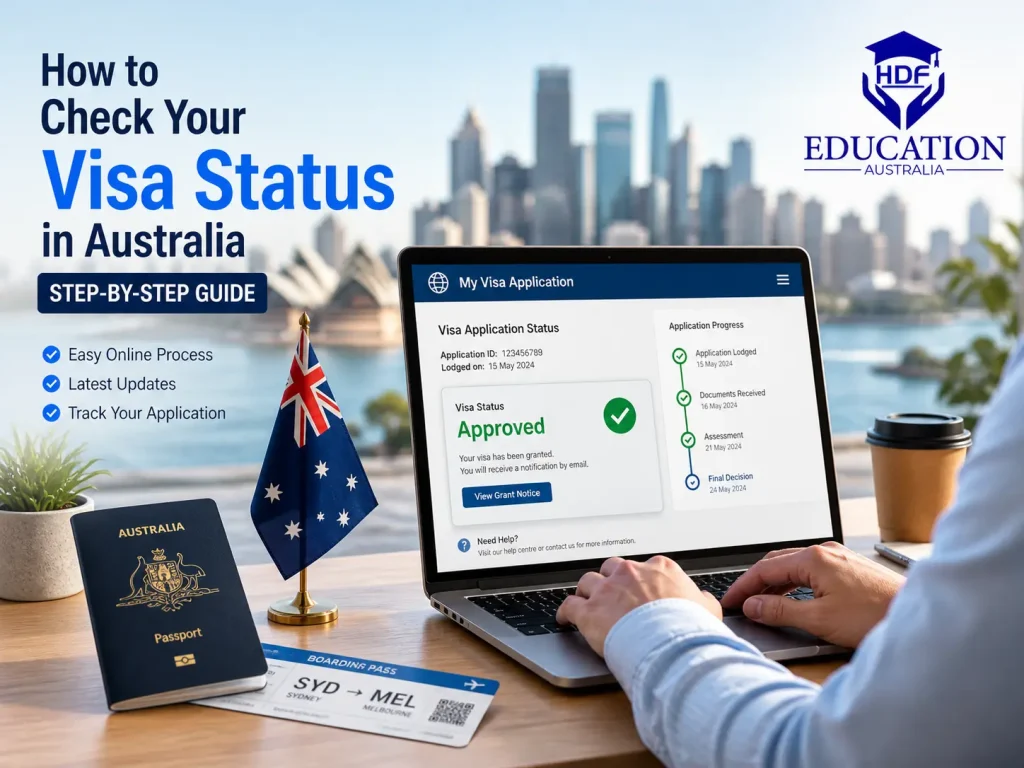
If you already have a visa, the best place to check it online is VEVO. It is the Australian Government’s online system for visa holders. You will see the key details here, like the type of your visa, expiry date, and any conditions tied to your visa.
At HDF Education, we provide visa-related consultancy services to international students in Australia. So, being experts, we are going to break down how you can check your visa status.
Furthermore, we will cover students, travellers, workers, permanent residents, and anyone else who needs to know what their visa allows. It also shows how to read the result, because a visa check is only useful when you know what each line means.
Things to Know Before You Check Your Visa Status in Australia
What is VEVO
Visa Entitlement Verification Online, popularly called VEVO, is the official tool to check your current visa details and status in Australia. It will show you:
- Visa type
- Expiry date
- Stay period
- If any restrictions are linked to your visa.
Documents and Details You Need
You have to keep the following in mind before checking your visa status.
You’ll need:
- Your passport or ImmiCard.
- One valid reference number, such as:
- Visa grant number
- TRN (Transaction Reference Number)
- Visa evidence number
- VEVO password (if issued)
Always use details from your current visa. If something doesn’t match exactly, VEVO may not show any result.
When to use VEVO vs ImmiAccount
You need to use VEVO to check the status of the visa you already hold, and that is granted and active. On the other hand, you need to use ImmiAccount to check visa application status.
Let’s understand this by a quick example: if you are waiting for a student visa decision, you do not need VEVO to see whether the application is moving or not. That stage belongs in ImmiAccount, where you can check your application status and any messages from Home Affairs.
Now, let us uncover how you can check the visa status:
How to check visa status in Australia using VEVO | Step by Step Guide
Go to VEVO
Start with the official VEVO tool. This is the system used to check a visa that has already been granted and is active. It will not show application progress, only current visa details.
Select Reference Type
Choose how you want to search your visa. This depends on what you have available.
Common options include:
- TRN (Transaction Reference Number)
- Visa grant number
- Visa evidence number
- VEVO password (if given)
Pick the one that matches your documents. Wrong choice = no result.
Enter Your Details
Now, you have to fill in your personal details ( as written on your passport or travel document)
You’ll need the following:
- Date of birth
- Document number
- Country of document
Even a small mistake here can stop VEVO from finding your record.
Submit and Check Result
Once you submit, VEVO will display your visa details (if a record exists).
You’ll see things like:
- Visa type
- Expiry date
- Period of stay
- “Must not arrive after” date
- Visa conditions
This is your official visa status.
Check Conditions Thoroughly
Don’t just look at the expiry date.
Conditions matter more in many cases.
For example:
- Work limits
- Study restrictions
- Travel rules
A visa can be valid but still restricted.
No Result? Here’s Why
If VEVO doesn’t show anything, it’s usually one of these:
- Visa is not active yet
- Wrong reference number used
- Details entered incorrectly
- Record not available in the system (older cases)
In that case, you may need to use the VEVO enquiry form or check ImmiAccount instead.
Save Your Result
Once it shows, save or screenshot it.
You may need it for:
- Job verification
- University enrolment
- Travel checks
It saves time later.
Australian Visa Conditions by Visa Type
Keep in mind that the visa rules in Australia depend on what type of visa you hold. So let us have a look at these below:
➣ Students
We know that as a student, you might have these questions in your mind: Can I stay until my course ends? Can I work the hours allowed? Do I still have the right visa if I switch course or provider?
VEVO gives the official answer for the visa currently in effect. Being a student, If your studies may continue beyond your current visa expiry date, explore our student visa extension support for course and enrolment planning.
Read more: 7 Major Australia Student Visa Changes In 2026
➣ Travellers and Visitors
As a traveller, you can check these on VEVO: visa type, expiry date, must-not-arrive-after date, and period of stay. That makes it the main tool for checking a visitor visa, especially before a trip.
Keep in mind that visitor visas are not work visas. As per Home Affairs, a visitor visa or ETA does not allow work in Australia.
➣ Workers
According to Home Affairs, only Australian citizens, permanent residents, and New Zealand citizens holding Special Category visas have no conditions placed on working in Australia. Other visas can carry work limits, including limits on the type of work, the number of hours, or the employer. VEVO is where those conditions can be checked.
That means a visa can be valid but still restrictive. A person may have permission to stay, but not freedom to work in any job. This is why checking the conditions matters as much as checking the expiry date.
For temporary work visas, conditions may allow only specific work or work for a certain employer. The visa grant itself and the VEVO result are the safest places to confirm the exact rules.
How to Read the Result on VEVO
A good way to read VEVO is to ask four questions in order: What visa is it? When does it end? How long can I stay? What conditions apply? By doing this, you will get the answers quickly.
Result Field | Quick Explanation | Importance |
Which visa do you hold | The exact visa subclass or category | Tells you what legal status you are in. |
Expiry date | The last date the visa is valid | You need this before you plan travel or a new application. |
Must not arrive after the date | The latest date you can enter Australia on that visa | Important for visas with entry deadlines. |
Period of stay | How long are you allowed to remain in Australia | Helps you avoid overstaying. |
Conditions | Work, study, travel, or other restrictions | Shows what you can and cannot do. |
Need Help Checking Your Visa Status in Australia? Speak with the HDF Education Team
If you are still confused or need any guidance related to your visa or pursuing your education. You can contact HDF Education. We help international students with their visa-related issues.
As a Perth-based education consultancy, we offer honest guidance for students who want support with studying in Australia. Furthermore, we will assist you with course selection and study enrolment.
Book a Free Consultation with HDF Education Today
FAQs
Can I check my visa application status in ImmiAccount?
Yes, you can check your visa application status in ImmiAccount. Additionally, you can read messages, update details, and even withdraw the application. Just remember that it is for applications in progress, not for checking a granted visa.
Why is my visa not showing in VEVO?
Sometimes VEVO cannot find a record because the visa is not in effect at that time. It can happen if the details are not linked correctly. Older records may also need an electronic record first. If the online check still fails, Home Affairs provides a VEVO enquiry form.
How do I prove my visa conditions or work rights to an employer?
Use VEVO and share the result or permission details with the employer. VEVO shows the visa conditions, including the work restrictions.